
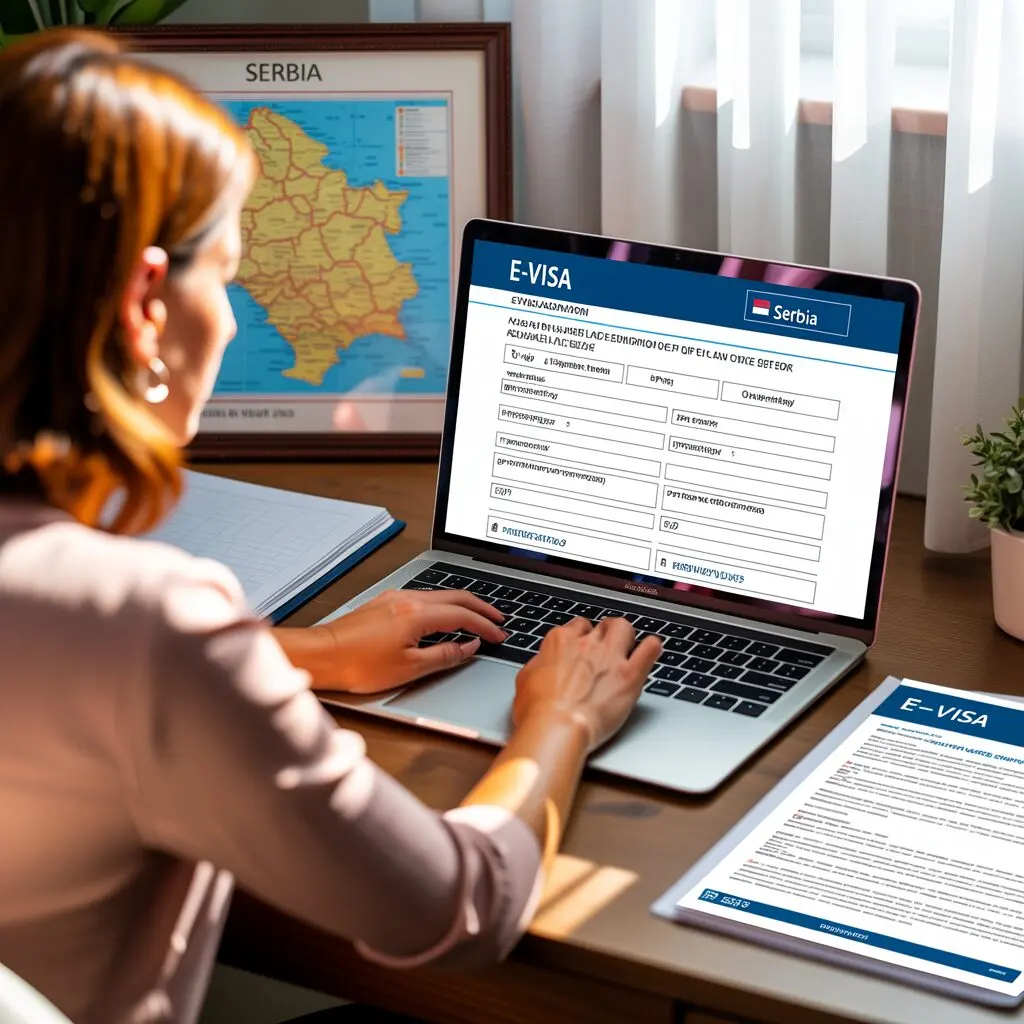
Applying for a Serbia e-Visa is a straightforward online process through the government’s official eServices portal. This guide walks you through every step of the application, from registration to receiving your digital travel authorization.
Before You Start
Before beginning your Serbia e-Visa application, make sure you have the following ready:
- A valid passport (issued within the last 10 years, valid at least 90 days past your intended departure from Serbia, with at least two blank pages)
- A digital passport-format photograph
- Scanned copies of supporting documents
- An active email address
- A means to pay the visa fee electronically
Step 1: Register on the eGovernment Portal
All e-Visa applications require an account on Serbia’s eGovernment identification portal:
- Visit www.eid.gov.rs
- Click on “Register” to create a new account
- Fill in your personal details including full name, email address, and nationality
- Create a secure password
- Verify your email address through the confirmation link sent to your inbox
Your eGovernment account gives you access to all Serbian electronic public services, not just visa applications.
Step 2: Access the eServices Portal
- Go to eforeigner.welcometoserbia.gov.rs
- Click “Login” and authenticate using your eGovernment credentials
- You will see the available eServices dashboard for foreign citizens
- Select the type of visa you need (C visa for short stay or D visa for long stay)
Step 3: Complete the Application Form
The online application form requires the following information:
| Section | Required Information |
|---|---|
| Personal Data | Full name, date of birth, place of birth, citizenship, gender |
| Travel Document | Passport number, issue date, expiry date, issuing country |
| Contact Details | Email, phone number, current residential address |
| Travel Details | Purpose of visit, intended dates, port of entry, itinerary |
| Accommodation | Hotel booking or host address in Serbia |
| Previous Visits | History of previous visits to Serbia or Schengen area |
Ensure all information matches your passport exactly. Discrepancies between the application and your documents are a common reason for delays or rejections.
Step 4: Upload Required Documents
You will need to upload digital copies of the following documents:
- Passport bio page scan – Clear, color scan of the page with your photo and personal data
- Passport-format photograph – Recent, white background, 3.5 x 4.5 cm
- Proof of accommodation – Hotel reservation, Airbnb booking confirmation, or invitation letter
- Travel medical insurance – Must cover the entire duration of your stay
- Flight reservation – Round-trip booking or detailed travel itinerary
- Invitation letter (if applicable) – Must be verified by the competent authority in Serbia
For a complete list of document requirements, see our Serbia e-Visa requirements guide.
For a comprehensive overview of all Serbia visa types, fees, and policies, visit our complete eVisa Serbia guide.
Step 5: Pay the Visa Fee
The visa fee must be paid as part of the online application process:
- Visa C (short stay): EUR 90 – paid in Serbian dinars (RSD) at the NBS middle exchange rate
- Visa D (long stay): EUR 50 – paid in Serbian dinars (RSD) at the NBS middle exchange rate
The eApplication is submitted to the competent authority upon payment of the fee and recording of the payment. Citizens of China, Armenia, Mali, and Syria are exempt from visa fees.
For detailed fee information, visit our Serbia e-Visa fee guide.
Step 6: Submit Your Application
After completing all sections and uploading documents:
- Review all entered information carefully
- Check that all uploaded documents are legible and complete
- Confirm the fee payment
- Click “Submit” to send your application
- You will receive a confirmation email with your application reference number
Step 7: Wait for Processing
After submission, your application status will change to “Processing.” Standard processing takes 10-15 working days. You can track the status through the eServices portal.
Important notes about processing:
- The diplomatic-consular mission may request additional documentation
- Processing times may be extended during peak travel periods
- If processing takes significantly longer than usual, the application may have been rejected
- Check your email regularly for any communications from the consulate
Step 8: Receive Your Digital Travel Authorization
Once approved, you will receive a Digital Travel Authorization – an electronic visa document that contains:
- Your personal data and travel document details
- Visa type, validity period, and number of permitted entries
- A 2D barcode for validity verification
- A separate QR code for border check verification
- An electronic seal of the Ministry of Foreign Affairs
Print a copy of the authorization or save it on your mobile device for presentation at border control.
Common Mistakes to Avoid
- Submitting blurry or incomplete document scans
- Entering passport details that do not match your actual passport
- Applying too close to your travel date
- Not having sufficient proof of accommodation
- Skipping travel medical insurance
- Not checking email for requests for additional information
What Happens After Approval
Once your Serbia e-Visa is approved, you will receive the Digital Travel Authorization in electronic form. This document is your official permission to enter Serbia. Here is what you should do after receiving it:
- Download and save the PDF of your digital travel authorization
- Print at least two copies – one for your carry-on and one backup
- Verify the information on the authorization matches your passport exactly
- Check the validity dates to confirm they cover your planned travel dates
- Save a digital copy on your phone or cloud storage as an additional backup
At the Serbian border, present your passport and the printed digital travel authorization. Border officers will scan the QR code to verify the document electronically. The electronic seal of the Ministry of Foreign Affairs guarantees the document’s authenticity.
If you want to verify the status of your application or the authenticity of your issued visa, see our guide on how to check Serbia visa status online.
Frequently Asked Questions
Can I apply for a Serbia e-Visa without registering on eid.gov.rs?
No. An eGovernment account is mandatory for all electronic visa applications to Serbia. Registration is free and takes only a few minutes.
Can someone else submit my application for me?
The application must be submitted personally through your own registered account. However, you may seek assistance in preparing your documents.
What happens if my application is incomplete?
Incomplete applications will not be accepted by the system. You must provide all required documents before the application can be submitted.
Can I edit my application after submission?
Once submitted, you cannot modify the application. If you need to make corrections, contact the relevant diplomatic-consular mission.
Do I need to visit a consulate in person?
The e-Visa system is designed to be fully online. However, the diplomatic-consular mission reserves the right to request an in-person interview or additional documentation.